
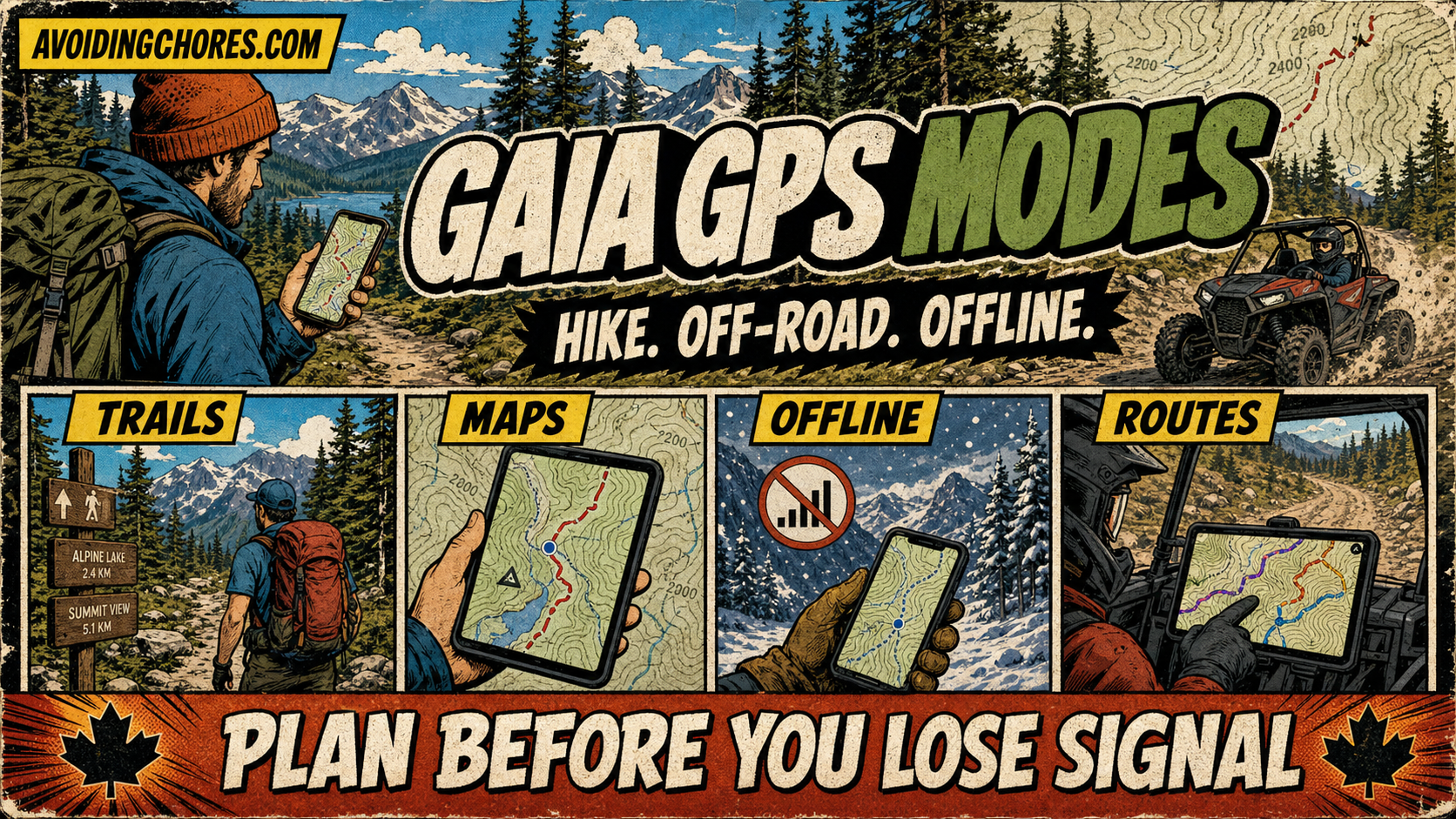
Gaia GPS is clearly leaning harder into activity-specific outdoor use cases, even if its own help docs do not yet present this as one neatly packaged “Adventure Modes” feature. As of June 29, 2026, the current Gaia GPS site and help center emphasize hiking trail discovery, off-road route finding, offline maps, and a large premium map catalog that spans weather, land ownership, and specialized overlays.
That matters because a lot of us no longer want a generic map app. We want to know whether the same tool can handle a day hike, a backroads ATV trip, shoulder-season planning, and the occasional what-does-this-look-like-before-I-go check from a laptop. Gaia GPS looks like it is trying to be that all-rounder.
I have not found a primary-source Gaia announcement that formally launches a branded “Adventure Modes” product with named modes like Hike, Off-Road, Snow, and Fishing. What I can verify is that Gaia now organizes the product around different adventure types, and the map catalog plus help content make that direction pretty obvious.
What changed in practical terms
The current Gaia GPS homepage leads with “Maps for Every Adventure,” while the trail-discovery side of the site explicitly points users toward hiking trails and off-road routes. In the help center, Gaia says Premium members can access more than 250 maps and overlays, including weather, land ownership, hunting, skiing, and off-road data.
That is the real story here. Gaia is not just a topo app anymore. It is a layered planning tool that can be shaped around the trip type you are doing, whether that means a straightforward hike, a forestry-road route, or a winter conditions check.
Where the hiking mode story is strongest
Hiking is still Gaia’s clearest lane. The public-facing trail finder is built around finding hiking trails and off-road routes near you, and offline use remains one of the biggest practical reasons to pay attention to Gaia in the first place.
Gaia’s help docs say you can download maps before a trip, then keep using your device’s GPS offline without cellular or Wi-Fi service. For anyone hiking in Nova Scotia, northern New Brunswick, interior Maine, or the kind of places where one bar of service becomes zero bars very quickly, that is still the feature that matters most.
Off-road users are getting more obvious support
This is where the “new modes” idea feels most believable, even if Gaia is not using that exact wording in the documentation I checked. Gaia’s current off-road help article, updated May 11, 2026, walks users through finding 4×4, off-road, and overlanding trails and specifically highlights Motor Vehicle Use Maps and USFS Roads and Trails overlays.
For Avoiding Chores readers who use a GPS app for side-by-side rides, Crown land access roads, logging-road scouting, or cross-border trail planning, that matters more than branding. The point is that Gaia is now surfacing those use cases more directly instead of expecting users to stitch them together on their own.
Snow and winter planning fit the same pattern
Gaia’s official membership documentation still calls out skiing among the specialized uses supported by Premium map layers. That is not the same thing as a dedicated snow dashboard, but it does support the broader idea that Gaia is trying to meet hikers, skiers, hunters, and off-road users with more tailored map choices instead of a single one-size-fits-all setup.
If you are the kind of user who changes activities with the season, that direction makes sense. A summer hiking app that can turn into a shoulder-season route-planning tool or winter scouting app is more useful than maintaining separate subscriptions everywhere.
What about satellite support and fishing layers?
This is the part where I would slow down before assuming too much. Gaia GPS does support offline navigation once maps are downloaded, but its own help center is very clear that the app is not an emergency beacon and cannot send an SOS through the app. If you need satellite messaging or emergency communication, Gaia itself recommends looking at dedicated devices like Garmin inReach or SPOT.
I also did not find a current primary-source Gaia page that clearly documents a new fishing-specific mode in the same way the site documents hiking and off-road use. That does not mean fishing-oriented map layers do not exist somewhere in the catalog, but I would not promise readers a polished “Fishing mode” until Gaia documents it more directly.
What to check before relying on Gaia for your next trip
- Confirm that the map layers you need are included in your current membership tier.
- Download your maps before leaving cell coverage.
- Test your preferred layer stack at home, especially if you mix topo, land ownership, or off-road overlays.
- Do not treat Gaia GPS as a satellite messenger or SOS device.
- For Canadian users, check whether Backroad Mapbooks Canada and other regional layers cover the area you actually use.
My take
I think the most useful way to read Gaia’s current direction is this: the app is becoming less of a generic map drawer and more of a choose-your-own-outdoor-stack platform. Hiking is still the cleanest experience, but off-road and seasonal-use cases are getting more visible support.
That is good news if you bounce between hiking, ATV travel, road-trip scouting, and backcountry planning. It is less helpful if you were hoping Gaia had suddenly turned into a one-app answer for satellite rescue, live backcountry tracking, or every niche outdoor workflow under one branded feature set.
For now, I would call this a practical first look at Gaia’s activity-based direction rather than a fully confirmed “Adventure Modes” launch. The direction is real. Some of the branding is still fuzzy.
Related reading
- Free Gaia GPS Premium with ZOLEO: This Deal Ends June 30
- How To Route Plan Your Next Off-Road or ATV Trip with GaiaGPS and Export to Garmin Explore
- How To Use Your Apple Watch And Gaia GPS For Hiking
- How To Export Gaia GPS Tracks to Garmin
Sources
- Gaia GPS homepage
- Gaia GPS trail finder
- Gaia GPS Help: What maps are included in Gaia GPS?
- Gaia GPS Help: Does Gaia GPS work offline?
- Gaia GPS Help: How do I find offroad trails and maps in Gaia GPS?
- Gaia GPS Help: Can I share my current location with someone? Can I use Gaia GPS as an emergency beacon?
- Gaia GPS Help: Membership Options