
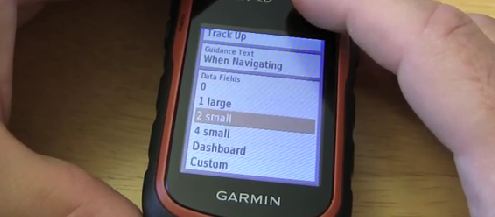
Legacy article note: this post was originally about the Garmin eTrex 20. It remains useful for older-device context, but buyers and new users should also compare current Garmin handheld options.
Last reviewed: July 14, 2026. Check Garmin’s current handheld GPS support and map compatibility before buying accessories, maps or memory cards.
What Still Matters With An eTrex 20
The basic setup habits still hold up: install fresh batteries, confirm the position format and units, check the map page, save a waypoint at the trailhead and test the device before relying on it away from the vehicle.
- Set units and position format before the trip.
- Confirm the map you expect is enabled.
- Create and rename a test waypoint.
- Check track recording settings.
- Carry spare batteries and know how long your setup lasts.
Where The eTrex 20 Shows Its Age
Compared with newer handhelds, the eTrex 20 is an older device with older screen, interface and map-management expectations. That does not make it useless, but it does mean setup advice should be treated as legacy support rather than current buying advice.
Current Alternatives And Related Setup Help
- Garmin eTrex 22x and 32x tutorials
- Garmin eTrex SE tutorials and user guide
- Garmin handheld pre-loaded map options
- Garmin maps: free vs paid options for handheld GPS users
- How to prepare your GPS for a hike
Bottom Line
If you already own an eTrex 20, it can still be a useful backup or learning GPS if it works properly and the maps are prepared. If you are buying today, compare current Garmin handhelds and map workflows before choosing an older used unit.
Original Garmin eTrex 20 Setup Video
This original eTrex 20 video is preserved for legacy setup context.