Last reviewed: July 14, 2026. Device apps, subscriptions and SOS details change; verify your exact device before travelling.
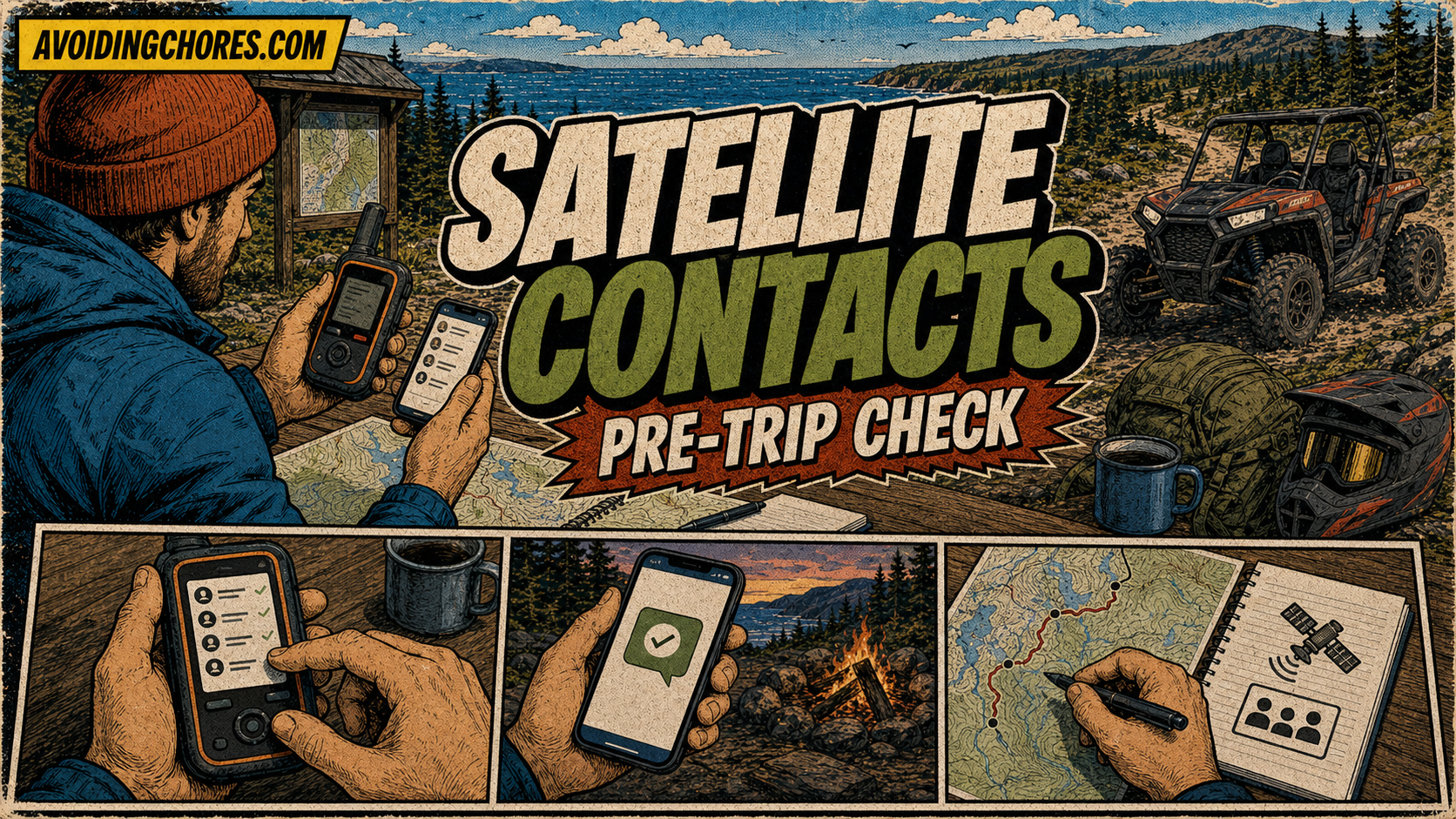
A satellite communicator is more useful when your contacts know what to expect. Before an ATV ride, hiking trip, camping weekend or remote drive, set up contacts, messages and the overdue plan at home.
Who Should Be In The Contact Plan
- Primary check-in contact who knows the route.
- Backup contact if the primary person is unavailable.
- Emergency contact with useful trip and vehicle details.
- Group contact if several people need the same updates.
Information To Share Before Leaving
- Route or destination.
- Start time and expected return time.
- Vehicle description and plate number if relevant.
- Names of riders or group members.
- Device type and message method.
- What each check-in message means.
- When the contact should become concerned.
Test Before The Trip
Confirm the account is active, charge the device, sync the app if required and send a normal test message. Do not wait until the ride is already going sideways to discover that contacts or subscription details are stale.
Bottom Line
The device sends the message, but the contact plan gives that message meaning. Keep it simple, current and understood by the people who may need to help.
Access And Rules To Verify
ATV route access changes. Before riding, check the Nova Scotia OHV information page, ATVANS, ATVANS approved road trails, or QuadNB for New Brunswick routes. Also follow posted signs, landowner rules, club guidance, seasonal closures, fire restrictions and local laws.
Related AvoidingChores ATV And Navigation Guides
- Atlantic Canada ATV trip-planning guide
- Remote ATV ride packing checklist
- Plan an off-road ATV trip with Gaia GPS and Garmin Explore
- Find trail access and difficulty information on Garmin Tread
- Garmin maps: free vs paid options for handheld GPS users
- Garmin inReach vs ZOLEO for Canadian outdoor users