Legacy article note: this article was originally written for older DeLorme inReach firmware workflows. Garmin acquired DeLorme, and current inReach support should be checked through Garmin before updating any device.
Last reviewed: July 14, 2026. Do not use this legacy post as the only source for current firmware instructions.
What To Do Today
If you have a current Garmin inReach, start with Garmin’s official support path, your inReach account, Garmin Explore, Garmin Messenger or Garmin Express as appropriate for your exact model. The correct update process can vary by device generation.
If You Still Use An Older DeLorme-Branded inReach
- Confirm the device still appears in your Garmin account.
- Back up any important tracks, messages or settings before changing software.
- Check Garmin support for model-specific update instructions.
- Do not begin an update right before a trip.
- Test messaging, tracking and SOS account status after any update.
Why This Post Was Consolidated
The original 2012 workflow is now historical. Leaving it as a short unsupported firmware recipe could send readers down the wrong path. This refresh keeps the old URL useful while directing readers to current inReach and Garmin Explore resources.
Related AvoidingChores Guides
- Garmin inReach Messenger how-to tutorials
- How to sync tracks on Garmin Explore for inReach users
- Transfer data from Garmin BaseCamp to Garmin Explore
- Garmin maps: free vs paid options for handheld GPS users
- How to prepare satellite communicator contacts before a trip
Bottom Line
Treat this page as a legacy signpost. For current firmware work, use Garmin’s official instructions for your exact inReach model and test the device before heading outside cellular coverage.
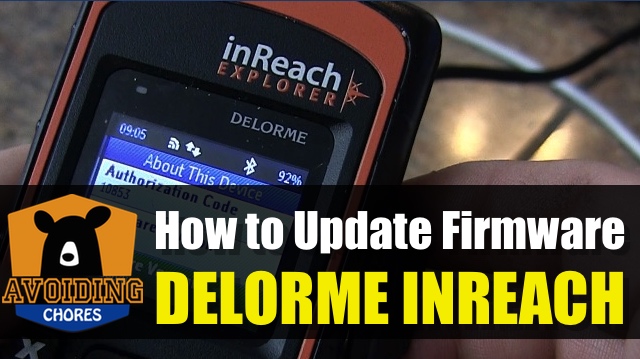
Original DeLorme inReach Firmware Video
This original firmware video is preserved for legacy context. Confirm current Garmin support before following any old device workflow.