Last reviewed: July 14, 2026. Garmin Explore sync behaviour can change with app, device and account updates.
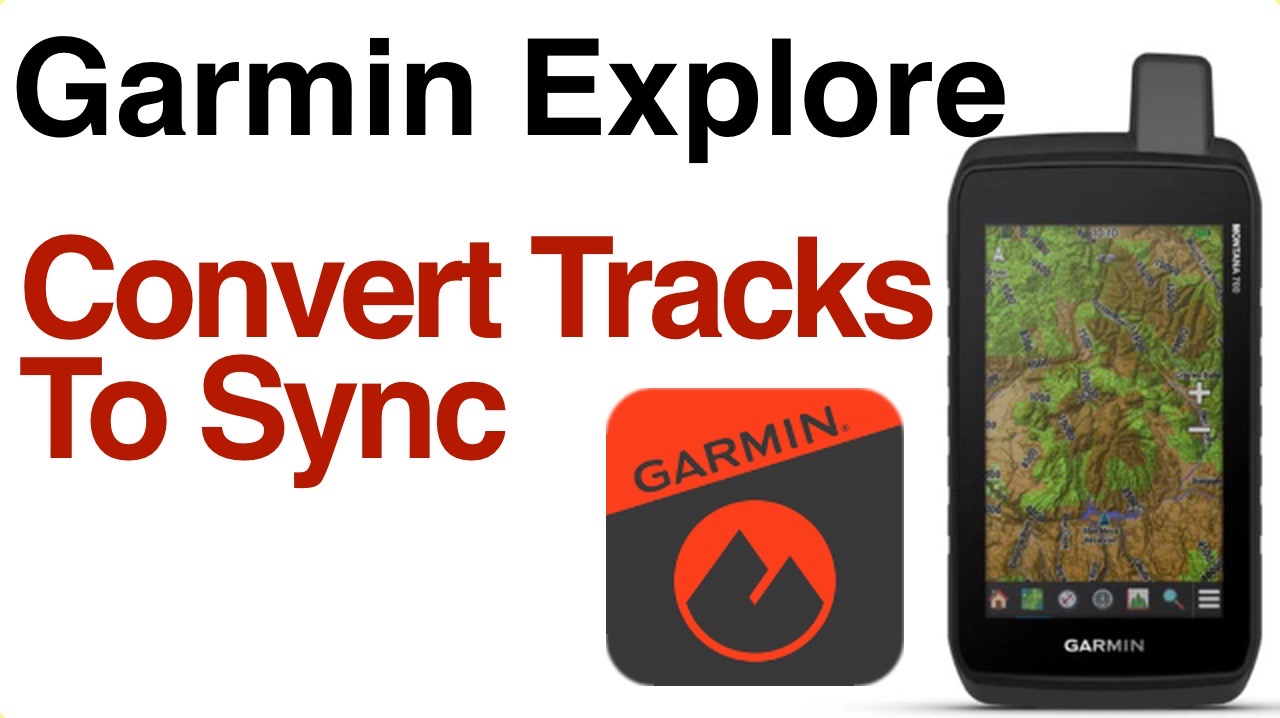
For inReach users, Garmin Explore can be part of the route, track and waypoint workflow. The key is to sync before leaving home, then confirm the content appears on the device or app where you expect to use it.
Pre-Trip Sync Checklist
- Confirm the Garmin account is correct.
- Open Garmin Explore and sync while online.
- Check that routes, tracks or waypoints appear on the device.
- Verify offline map coverage if needed.
- Send a normal inReach test message separately from map sync.
How This Connects To ZOLEO
ZOLEO is not a Garmin navigation device. If you use ZOLEO for communication and a Garmin handheld for navigation, treat those as two separate systems: one for route/map work and one for messaging/SOS.
Current Details To Verify Before Buying
Subscription plans, SOS handling, app behaviour and device availability can change. Before buying or activating a device, check Garmin’s current inReach consumer plans, Garmin’s current satellite communicator page and ZOLEO’s Canadian monthly plans.
Related AvoidingChores Satellite Communicator Guides
- Garmin inReach vs ZOLEO for Canadian outdoor users
- Garmin inReach vs ZOLEO subscription cost of ownership
- ZOLEO SOS updates and emergency workflow notes
- Sharing a ZOLEO or Garmin inReach Messenger
- inReach MapShare vs ZOLEO Location Share+
- Garmin inReach vs ZOLEO messaging types
- Garmin inReach Messenger how-to tutorials
Original Videos And Images
Existing reader-facing media from the previous version of this post has been preserved below.