Last reviewed: July 14, 2026. SOS features and emergency-response partners can change. Verify current SOS terms with the device maker before a trip.
SOS is the reason many people buy a satellite communicator, but it should be treated as the final layer of a safety plan, not the whole plan. Both Garmin inReach and ZOLEO offer SOS workflows through active service, but the contact experience, app flow and monitoring language differ.
What ZOLEO Currently Lists
ZOLEO’s Canadian plans page lists Satellite SOS Alerts, 24/7 SOS Monitoring Service and Medical Assist as included plan features. It also states that SOS messages are included and do not decrement from the plan.
What Garmin Currently Emphasizes
Garmin’s satellite communicator page describes triggering an interactive SOS message with GPS coordinates to Garmin Response, a 24/7-staffed emergency response coordination centre. Garmin also notes that an active satellite subscription is required and that some jurisdictions regulate or prohibit satellite communication devices.
Pre-Trip SOS Checklist
- Confirm the subscription is active and not suspended.
- Confirm emergency contacts are current.
- Know how to trigger SOS on the physical device.
- Know how to cancel or communicate during an accidental SOS.
- Carry the device where it can reach the sky.
- Do not test SOS casually.
Bottom Line
The strongest SOS setup is the one you understand before the emergency. Review the device workflow at home, explain the plan to contacts and verify service before every remote trip.
Current Details To Verify Before Buying
Subscription plans, SOS handling, app behaviour and device availability can change. Before buying or activating a device, check Garmin’s current inReach consumer plans, Garmin’s current satellite communicator page and ZOLEO’s Canadian monthly plans.
Related AvoidingChores Satellite Communicator Guides
- Garmin inReach vs ZOLEO for Canadian outdoor users
- Garmin inReach vs ZOLEO subscription cost of ownership
- Sharing a ZOLEO or Garmin inReach Messenger
- inReach MapShare vs ZOLEO Location Share+
- Garmin inReach vs ZOLEO messaging types
- Garmin inReach Messenger how-to tutorials
- Sync tracks on Garmin Explore for inReach users
Original Videos And Images
Existing reader-facing media from the previous version of this post has been preserved below.
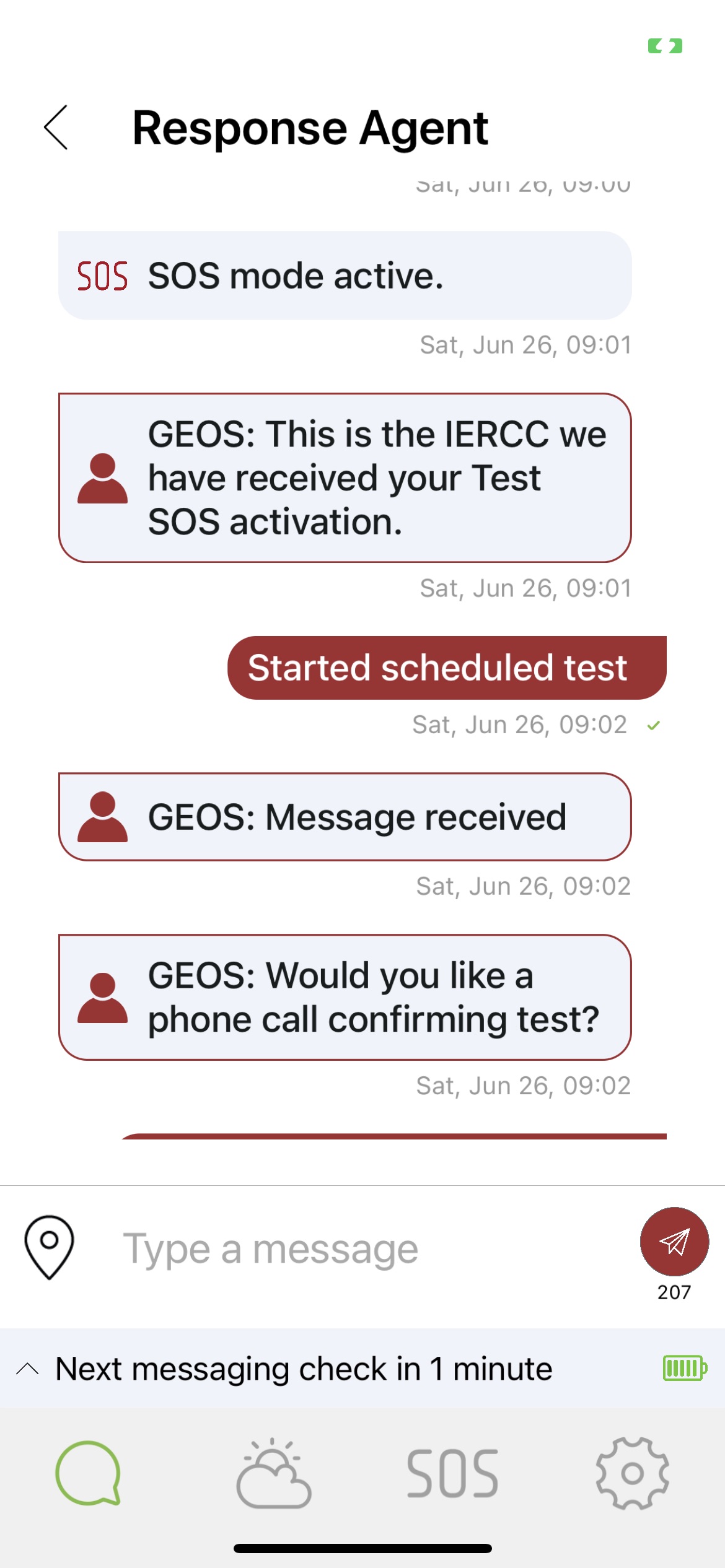
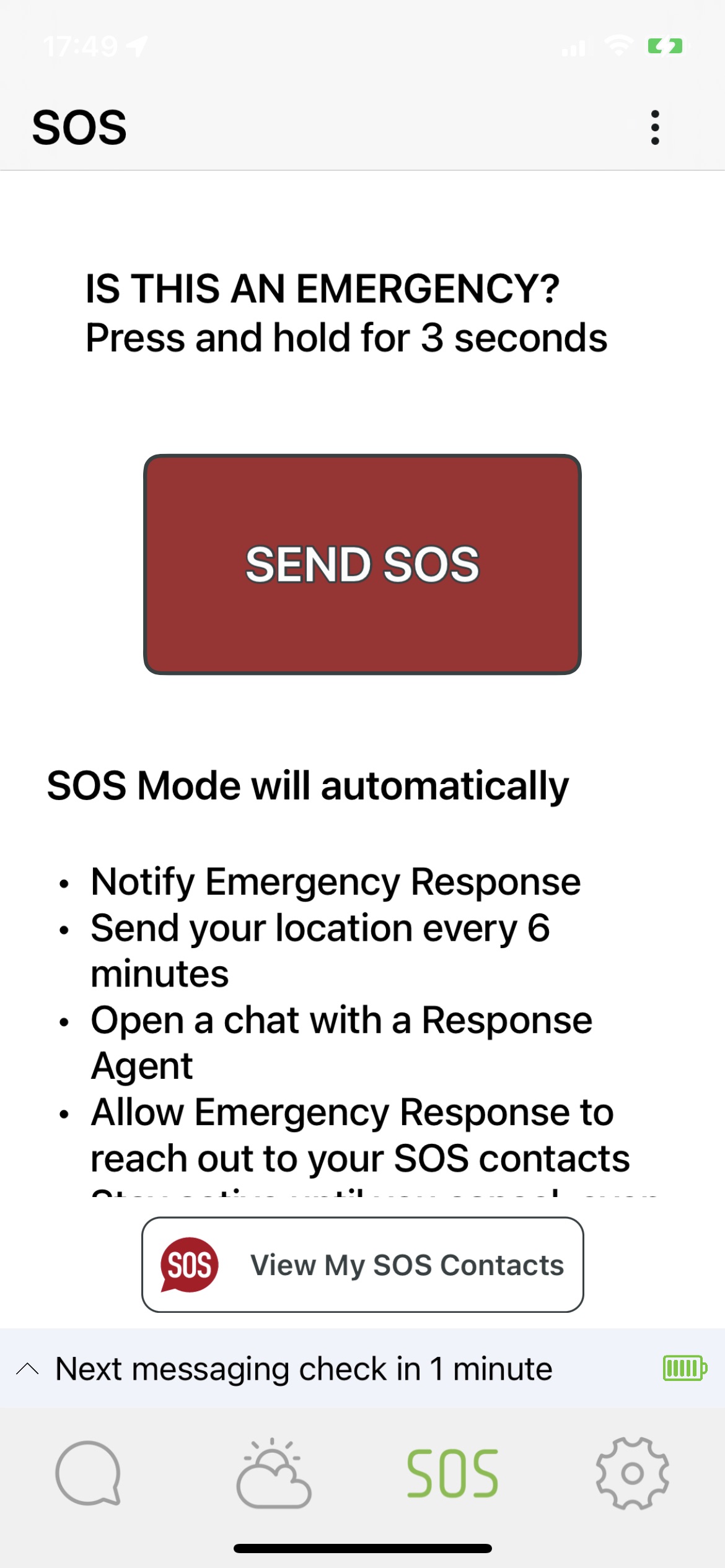
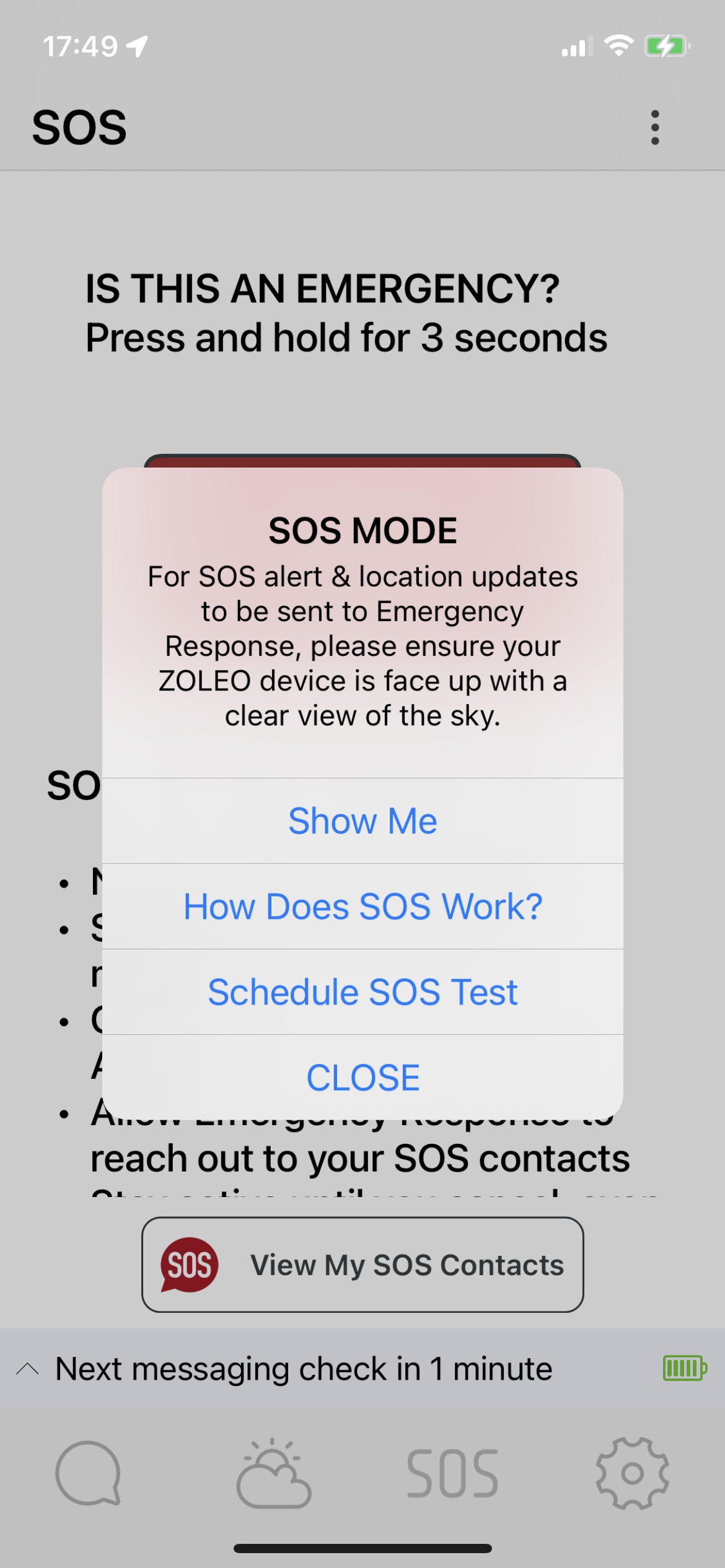
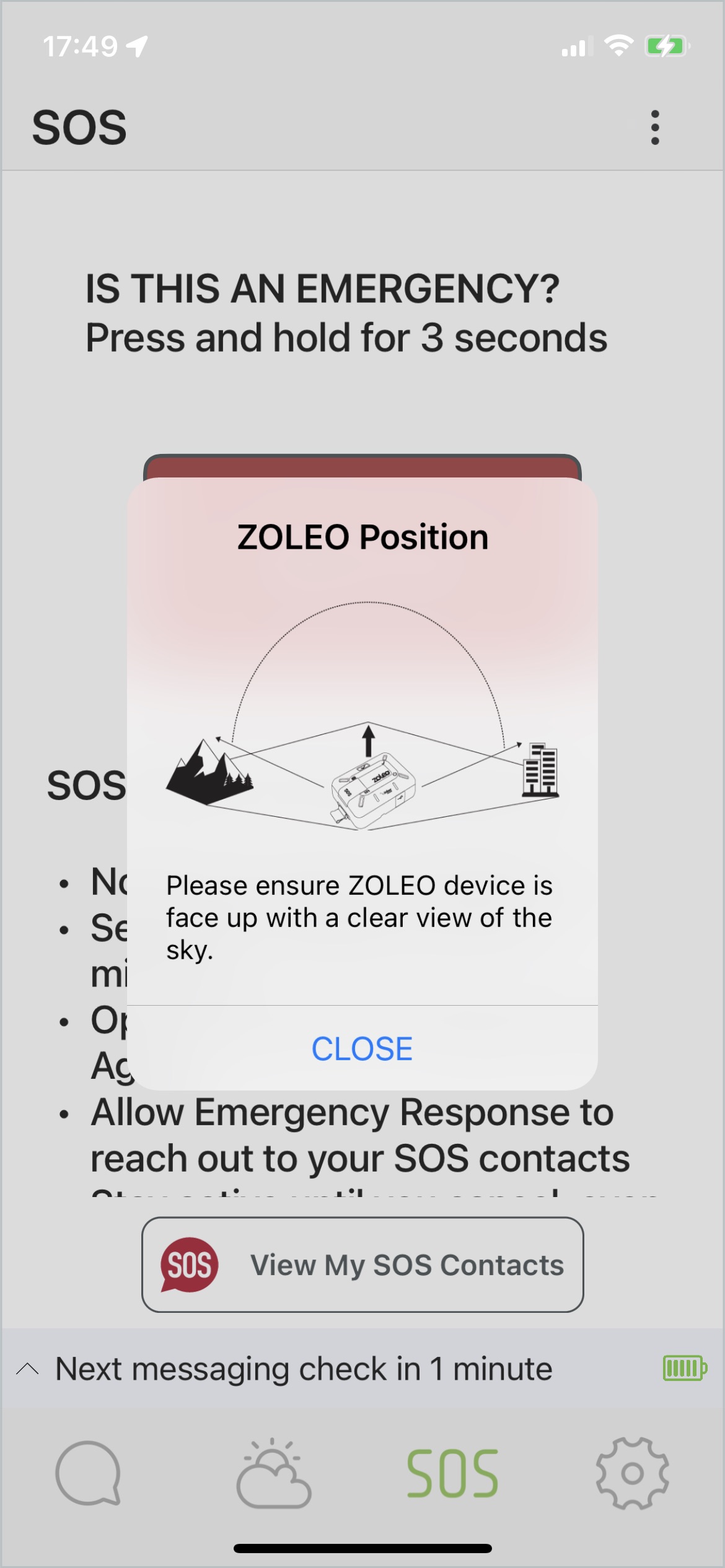
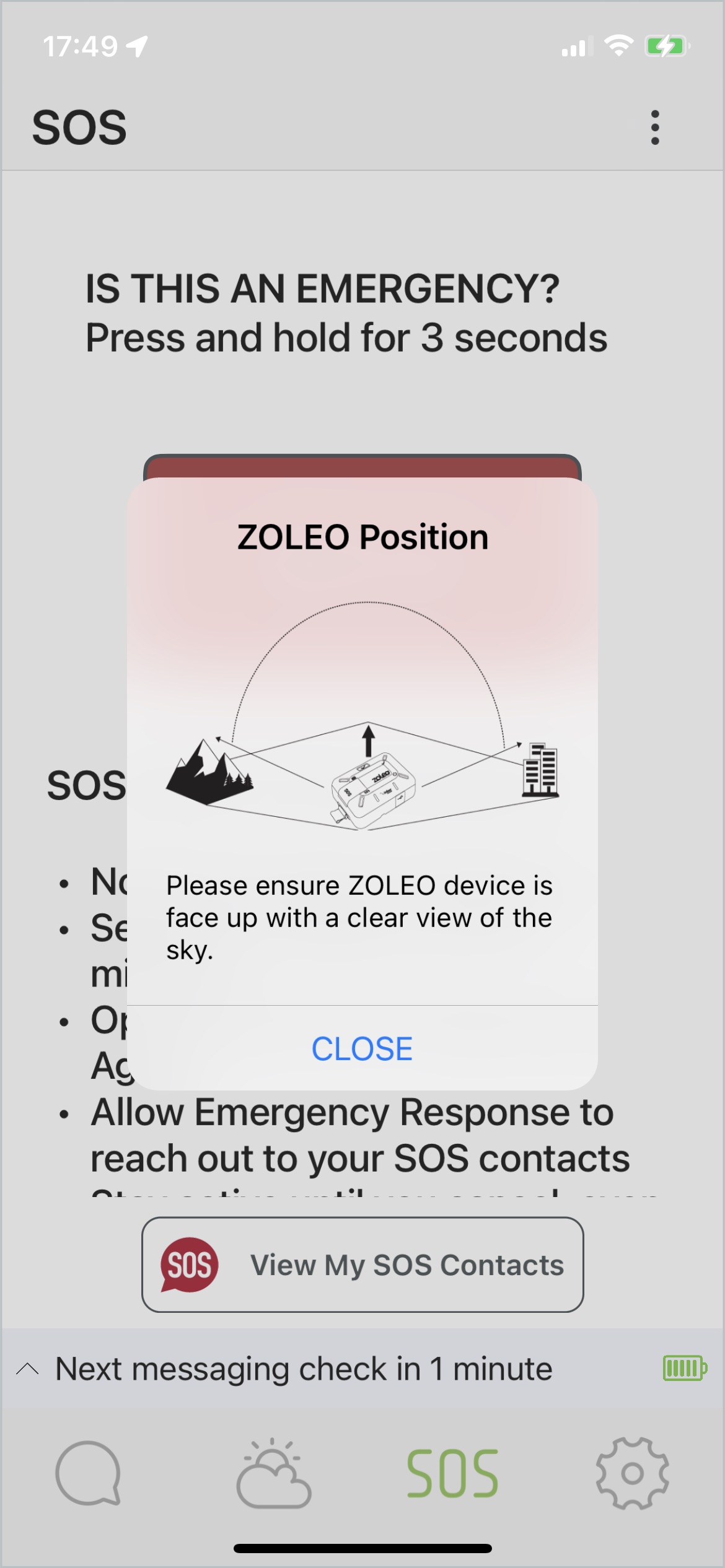
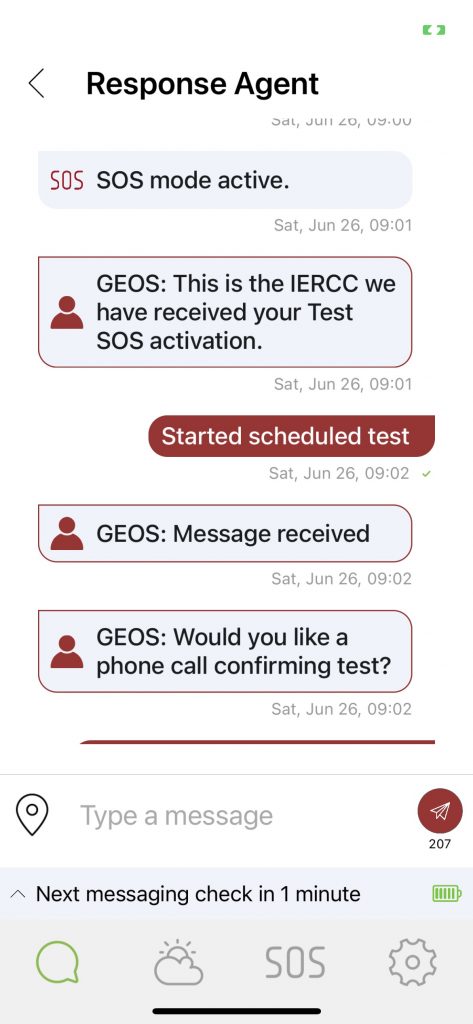
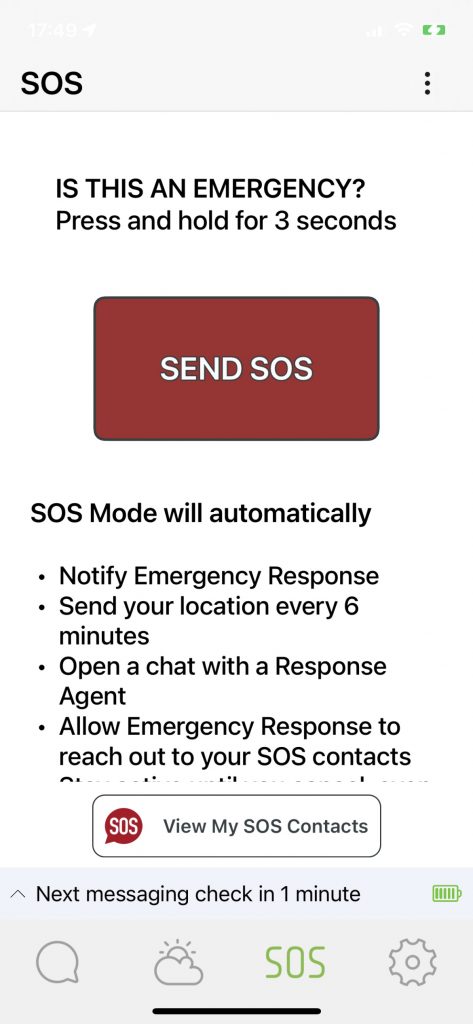
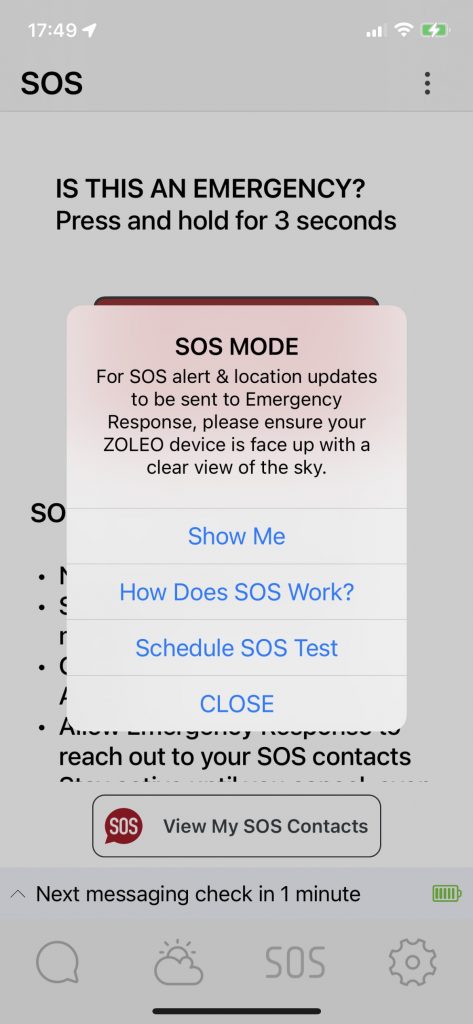
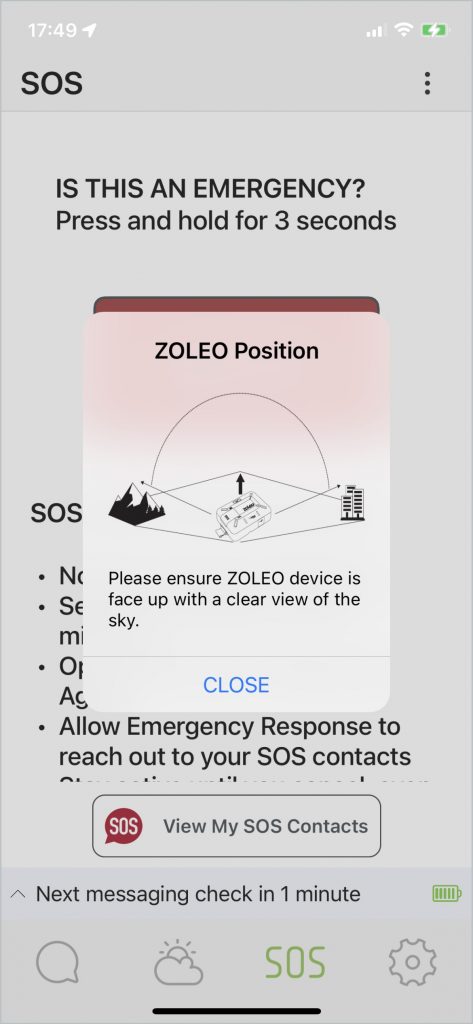
But what I like the most update this update is the new instructions / training screens that allows the user to know in more detail how to use the ZOLEO and what happens when they trigger a SOS or when the schedule a test with GEOS.
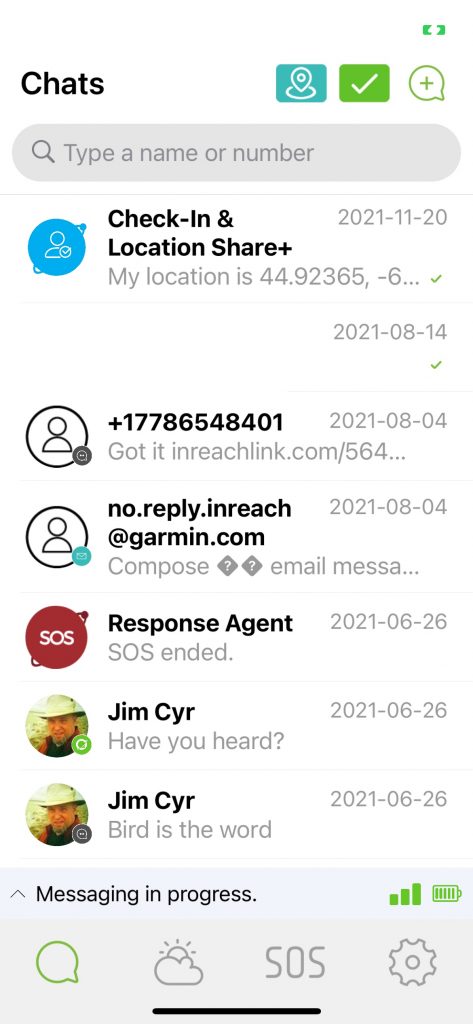
Additional Original Photos