Last reviewed: July 14, 2026. Garmin app names, device support and inReach plan details change, so verify the current setup path for your exact model.
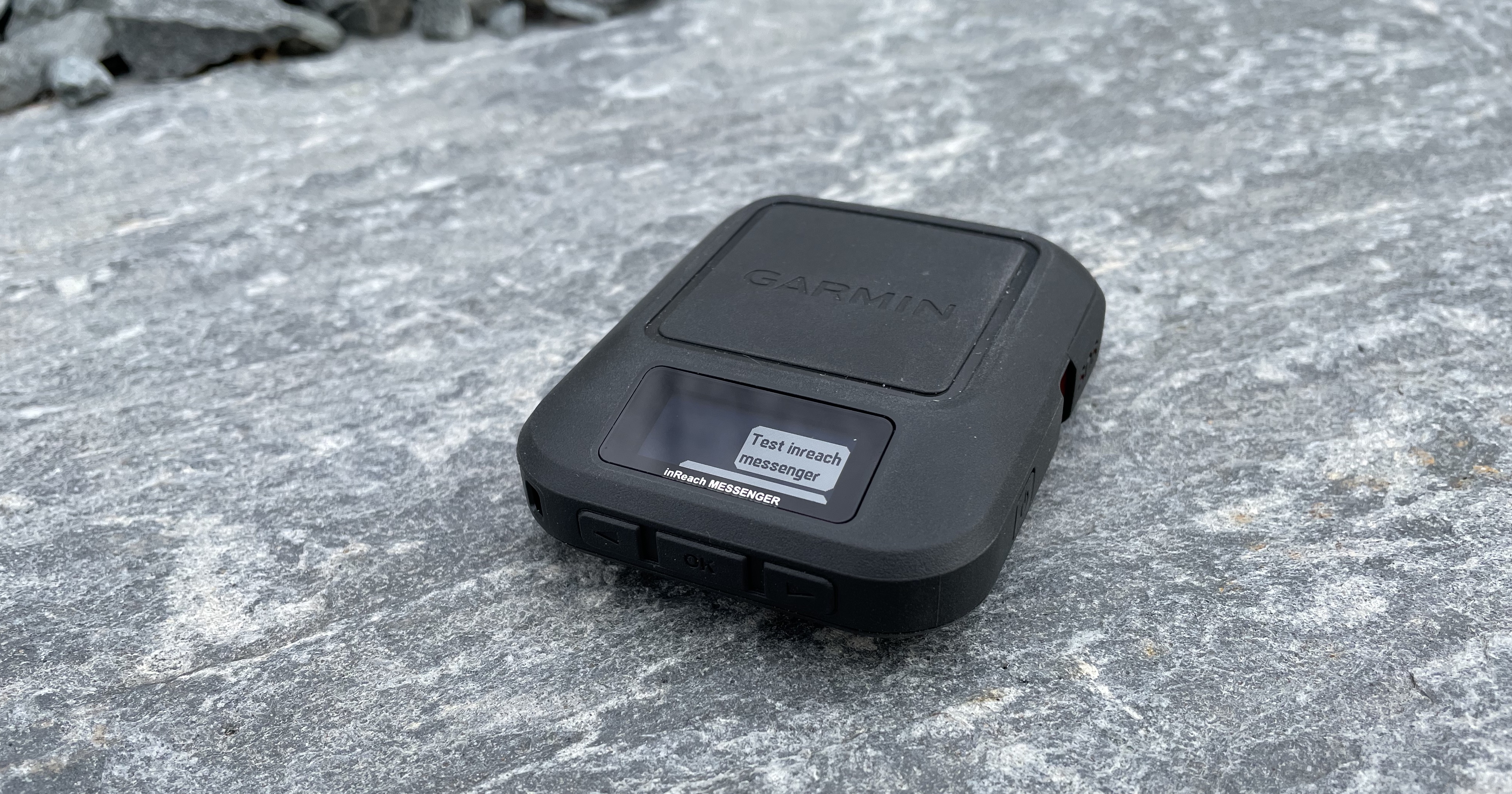
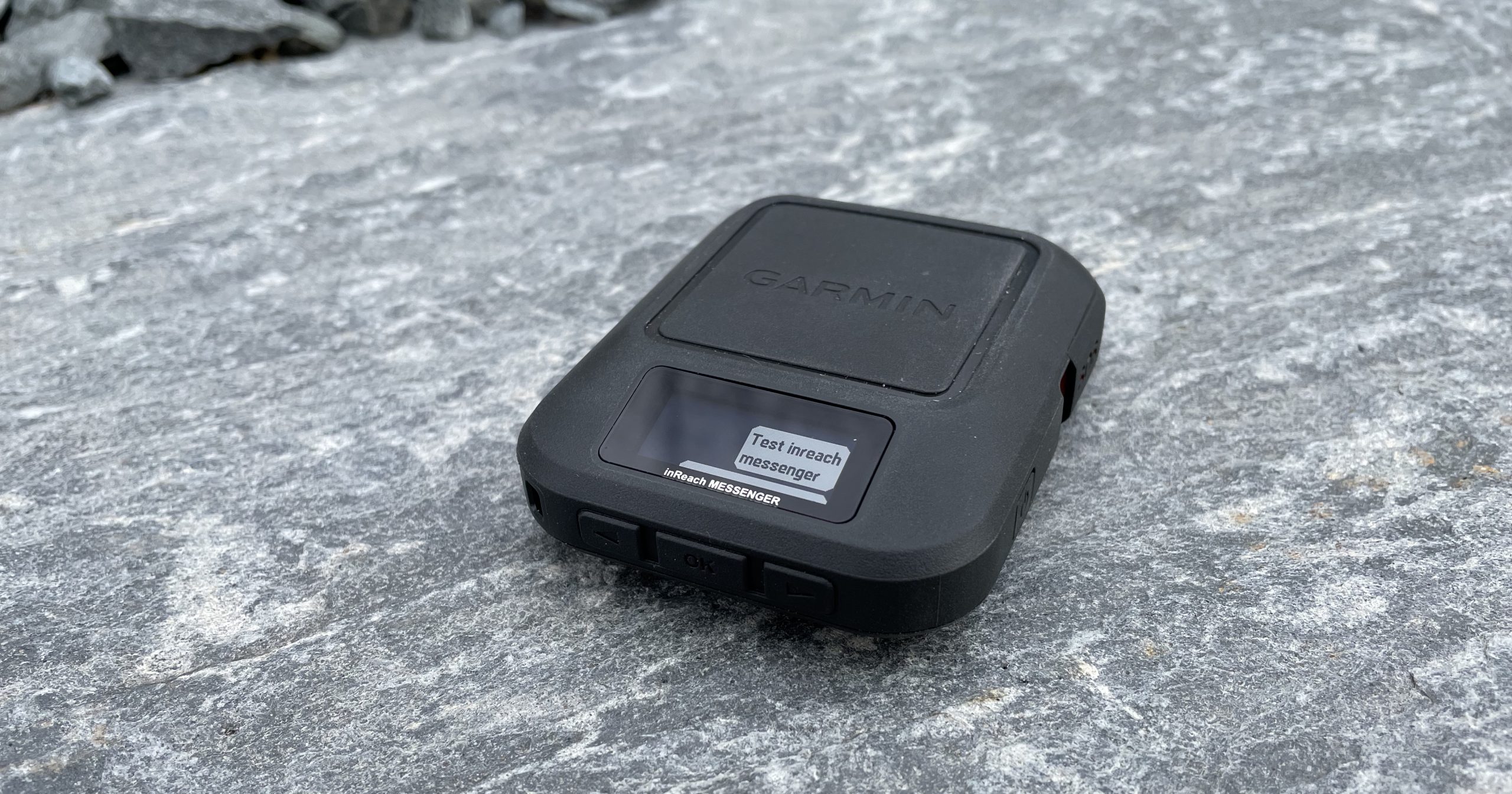
This page collects Garmin inReach Messenger setup topics and points readers toward current comparison and planning guides. The main goal is simple: do the account, app, contacts and test-message work before leaving cell service.
Setup Checklist
- Activate the device and confirm the plan is active.
- Install the current Garmin app required for your model.
- Pair and sync the device before the trip.
- Add or review emergency contacts.
- Send a non-emergency test message.
- Confirm check-in messages and tracking settings.
- Charge the device and phone.
Where This Fits In The Cluster
Use the comparison article to choose between Garmin inReach and ZOLEO. Use the subscription article to understand cost. Use the contact-prep workflow before every trip.
Current Details To Verify Before Buying
Subscription plans, SOS handling, app behaviour and device availability can change. Before buying or activating a device, check Garmin’s current inReach consumer plans, Garmin’s current satellite communicator page and ZOLEO’s Canadian monthly plans.
Related AvoidingChores Satellite Communicator Guides
- Garmin inReach vs ZOLEO for Canadian outdoor users
- Garmin inReach vs ZOLEO subscription cost of ownership
- ZOLEO SOS updates and emergency workflow notes
- Sharing a ZOLEO or Garmin inReach Messenger
- inReach MapShare vs ZOLEO Location Share+
- Garmin inReach vs ZOLEO messaging types
- Sync tracks on Garmin Explore for inReach users
Original Video Playlist
The original video playlist from the previous version of this article has been preserved below.


Original Photos